Accessibility & contrast
Information was carried by color alone, nearly imperceptible for users with Protanopia or Deuteranopia and failing recommended contrast standards under testing tools.
“Trust is a design decision. An onboarding either earns it or wastes it.”
NBK SmartWealth is a mobile investment app by the National Bank of Kuwait. Users can open accounts and invest digitally, but the onboarding flow was criticized for being unclear and overly text-heavy on mobile, exactly where first impressions decide whether a financial product feels trustworthy.
The brief: evaluate the flow, clarify identity verification (Civil ID / Passport), and make the experience feel native on both Android and iOS, without losing the bank's authority.
Five failures stacked on the same flow, each one small alone yet together enough to make users abandon a bank account they asked to open:
Usability review across the flow surfaced three systemic issues, each confirmed against platform conventions and accessibility tooling:
Information was carried by color alone, nearly imperceptible for users with Protanopia or Deuteranopia and failing recommended contrast standards under testing tools.
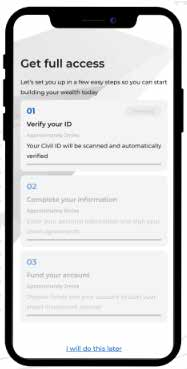
Numbered steps felt excessive and patronizing; the tone lacked empathy; time estimates were vague or inconsistent enough to breed frustration.
Over five distinct font sizes competed on a single screen, breaking visual hierarchy and the reader's ability to connect related text.
Every fix maps to a specific failure; nothing was restyled for taste alone:
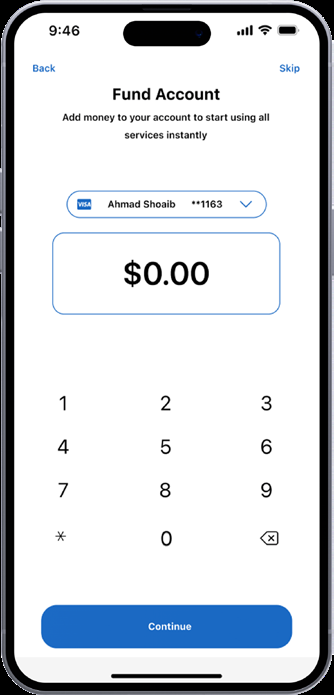
The fund-account screen after redesign: one number to type, one decision to make, one honest default. Access gating communicates the steps left, quietly.